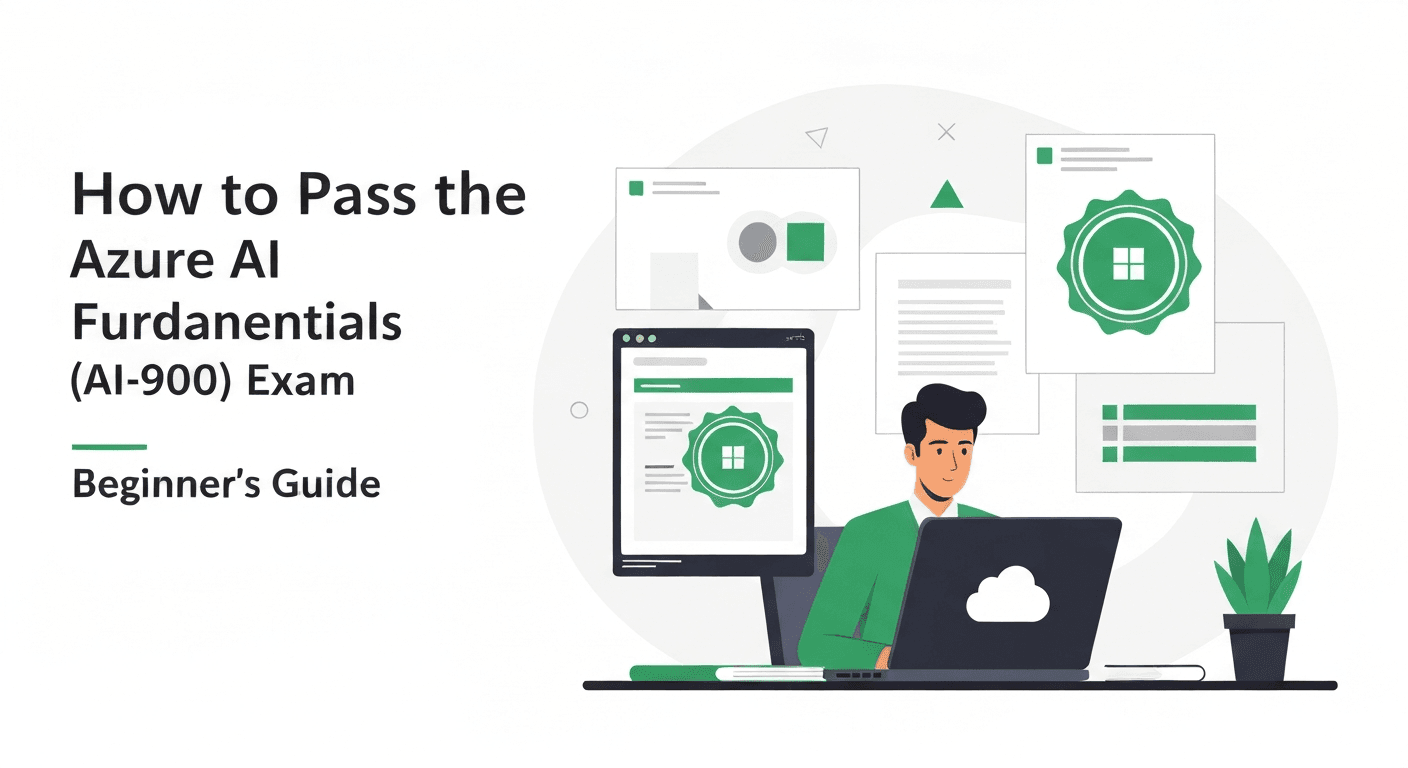
How to Pass the Azure AI Fundamentals (AI-900) Exam: Beginner's Guide
A complete beginner's guide to passing the Azure AI Fundamentals AI-900 exam. Learn AI workloads, ML principles, computer vision, NLP, and generative AI on Azure with a 2-week study plan.

How to Pass the Azure AI Fundamentals (AI-900) Exam: Beginner’s Guide
The Azure AI Fundamentals (AI-900) exam is one of the easiest entry points into both Azure certifications and the world of artificial intelligence. It requires no programming experience, no prior cloud knowledge, and no AI expertise. If you can dedicate two weeks of focused study, you can pass this exam.
With AI transforming every industry, understanding the fundamentals is no longer optional for IT professionals. The AI-900 certification proves you understand how AI works, what it can do, and how Microsoft Azure delivers AI capabilities. It is also the starting point for the Azure AI track that leads to the AI-102 (Azure AI Engineer Associate) certification.
Exam Overview
The AI-900 exam has 40-60 questions and you get 45 minutes. You need a score of 700 out of 1000 to pass. The exam costs $99 USD, but Microsoft frequently offers free exam vouchers through Virtual Training Days — check the Microsoft Events page before paying.
The exam is available in multiple languages and can be taken at a Pearson VUE testing center or online with remote proctoring.
Who Should Take This Exam?
The AI-900 is designed for:
- IT professionals who want to understand AI concepts and Azure AI services
- Business decision-makers evaluating AI solutions
- Students and career changers entering the tech industry
- Developers who want to start the Azure AI certification path
- Anyone curious about how AI, machine learning, and generative AI actually work
You do not need to know how to code. You do not need to understand calculus or statistics. The exam tests conceptual understanding, not implementation skills.
The Five Exam Domains
Domain 1: AI Workloads and Considerations (15-20%)
This domain tests your understanding of what AI is and when to use it.
Types of AI workloads:
- Machine learning — systems that learn from data to make predictions. Example: predicting customer churn based on historical behavior.
- Computer vision — systems that interpret images and video. Example: detecting defects on a manufacturing line.
- Natural language processing (NLP) — systems that understand and generate human language. Example: chatbots, sentiment analysis, translation.
- Document intelligence — extracting structured data from documents like invoices, receipts, and forms.
- Generative AI — creating new content (text, images, code) based on prompts. Example: Azure OpenAI Service generating marketing copy.
- Knowledge mining — extracting insights from large volumes of unstructured data using Azure AI Search.
Responsible AI principles:
Microsoft emphasizes six principles of responsible AI, and they appear frequently on the exam:
- Fairness — AI systems should treat all people fairly and avoid bias
- Reliability and safety — AI should perform reliably and safely under expected conditions
- Privacy and security — AI should protect user data and respect privacy
- Inclusiveness — AI should be accessible and empower everyone
- Transparency — AI systems should be understandable and explainable
- Accountability — people should be accountable for AI systems
Study tip: memorize these six principles. You will see multiple questions about them.
Domain 2: Fundamental Principles of Machine Learning (20-25%)
This domain covers how machine learning works at a conceptual level.
Types of machine learning:
- Supervised learning — training with labeled data. The model learns the relationship between inputs and known outputs.
- Regression — predicting a continuous value (e.g., house price, temperature)
- Classification — predicting a category (e.g., spam/not spam, disease/healthy)
- Unsupervised learning — training with unlabeled data. The model finds patterns and groupings.
- Clustering — grouping similar items (e.g., customer segments)
- Semi-supervised learning — combining labeled and unlabeled data
The machine learning process:
- Collect and prepare data (cleaning, feature engineering)
- Split data into training and validation sets
- Train the model (the algorithm learns from training data)
- Evaluate the model (test on validation data)
- Deploy the model (make it available for predictions)
- Monitor and retrain as needed
Evaluation metrics you must know:
- Accuracy — percentage of correct predictions (not always the best metric)
- Precision — of all positive predictions, how many were actually positive
- Recall — of all actual positives, how many did the model correctly identify
- F1 score — harmonic mean of precision and recall
- Confusion matrix — table showing true positives, false positives, true negatives, false negatives
Azure Machine Learning:
- Azure Machine Learning workspace — the central resource for ML on Azure
- Automated ML (AutoML) — automatically tries multiple algorithms and selects the best one
- Azure Machine Learning designer — drag-and-drop interface for building ML pipelines (no code)
- Compute resources — compute instances, compute clusters, inference clusters
Domain 3: Computer Vision Workloads (15-20%)
This domain covers how computers interpret images and video.
Computer vision tasks:
- Image classification — assigning a label to an entire image (e.g., “cat” or “dog”)
- Object detection — identifying objects within an image and their locations (bounding boxes)
- Semantic segmentation — classifying each pixel in an image
- Optical character recognition (OCR) — extracting text from images
- Facial analysis — detecting faces, analyzing attributes (age, emotion)
- Image generation — creating images from text descriptions (DALL-E via Azure OpenAI)
Azure AI Vision service:
- Analyze images for objects, people, text, and brands
- Generate image captions and tags automatically
- Read text from images (OCR) including handwritten text
- Detect faces and analyze facial attributes
- Custom Vision — train custom image classification and object detection models with your own images
Key concepts:
- Convolutional neural networks (CNNs) are the foundation of modern computer vision (know this at a high level)
- Transfer learning — using pre-trained models as a starting point for custom tasks
- Training data requirements — you need hundreds of labeled images for Custom Vision
Domain 4: Natural Language Processing Workloads (15-20%)
This domain covers how AI systems understand and generate human language.
NLP tasks:
- Language detection — identifying the language of text
- Key phrase extraction — identifying important phrases in text
- Sentiment analysis — determining if text is positive, negative, or neutral
- Named entity recognition (NER) — identifying people, places, organizations, dates in text
- Machine translation — translating text between languages
- Question answering — building FAQ-style bots from knowledge bases
- Conversational AI — building chatbots that understand natural language
Azure AI Language service:
- Pre-built features: sentiment analysis, key phrase extraction, NER, language detection, summarization
- Custom features: custom text classification, custom NER, custom question answering
- Conversational language understanding (CLU) — building models that understand user intents and extract entities from utterances
Azure AI Speech service:
- Speech-to-text — converting spoken audio to text
- Text-to-speech — generating natural-sounding speech from text
- Speech translation — real-time translation of spoken language
- Speaker recognition — identifying who is speaking
Azure Bot Service:
- Building conversational bots that integrate with Teams, Slack, web, and other channels
- Power Virtual Agents (now Microsoft Copilot Studio) for no-code bot building
Domain 5: Generative AI Workloads (15-20%)
This is a newer domain that reflects the rise of generative AI.
Core concepts:
- Large language models (LLMs) — models like GPT that generate text based on prompts
- Transformer architecture — the neural network architecture behind LLMs (understand at a very high level)
- Tokens — the units that LLMs process (roughly 4 characters per token in English)
- Prompt engineering — crafting effective prompts to get useful responses from LLMs
- Grounding — connecting LLM responses to real data to reduce hallucinations
- Retrieval-Augmented Generation (RAG) — combining LLMs with search to provide answers based on your own data
Azure OpenAI Service:
- Access to GPT-4, GPT-4o, DALL-E, and Whisper models
- Azure OpenAI Studio for testing and fine-tuning models
- Content filtering — built-in safety filters for harmful content
- Responsible AI features: abuse monitoring, content credentials, fairness considerations
Copilots:
- Microsoft 365 Copilot — AI assistant in Word, Excel, PowerPoint, Teams
- GitHub Copilot — AI-powered code completion
- Azure Copilot — AI assistant for Azure portal tasks
- Custom copilots built with Azure AI Studio
The 2-Week Study Plan
Week 1: Concepts and Core Services
Day 1-2: AI Fundamentals
- What is AI, ML, deep learning, and generative AI
- Responsible AI principles (memorize all six)
- Types of ML: supervised, unsupervised, reinforcement
- Microsoft Learn path: “Microsoft Azure AI Fundamentals: AI Overview”
- 20 practice questions in StudyKits
Day 3-4: Machine Learning on Azure
- ML process: data, training, evaluation, deployment
- Evaluation metrics: accuracy, precision, recall, F1
- Azure Machine Learning: workspace, AutoML, designer
- Microsoft Learn path: “Microsoft Azure AI Fundamentals: Machine Learning”
- 25 practice questions
Day 5-6: Computer Vision
- Image classification, object detection, OCR, facial analysis
- Azure AI Vision service capabilities
- Custom Vision for training your own models
- Microsoft Learn path: “Microsoft Azure AI Fundamentals: Computer Vision”
- 25 practice questions
Day 7: Review and practice
- Review all notes from the week
- 40 practice questions across all topics covered
Week 2: NLP, Generative AI, and Practice Exams
Day 8-9: Natural Language Processing
- Language detection, sentiment analysis, key phrases, NER
- Azure AI Language and Azure AI Speech services
- Conversational AI and Azure Bot Service
- Microsoft Learn path: “Microsoft Azure AI Fundamentals: Natural Language Processing”
- 30 practice questions
Day 10-11: Generative AI
- LLMs, transformers, tokens, prompt engineering
- Azure OpenAI Service: GPT models, DALL-E, content filtering
- RAG pattern and grounding concepts
- Microsoft Learn path: “Microsoft Azure AI Fundamentals: Generative AI”
- 30 practice questions
Day 12: Full Practice Exam
- Take a complete timed practice exam in StudyKits
- Review all incorrect answers
- Identify weak areas for final review
Day 13: Final Review
- Focus on weak areas identified from practice exam
- Re-read responsible AI principles
- Review service selection: when to use Vision vs Language vs Speech vs OpenAI
- Light practice: 20 questions
Day 14: Exam Day
- Light review (15 minutes maximum)
- Take the exam
Comparison with AWS AI Practitioner and GCP
If you are choosing between AI fundamentals certifications, check our comparison of AWS AI Practitioner vs Azure AI-900 vs GCP MLE. The key difference: AI-900 is a true fundamentals exam requiring no technical background, while the AWS AI Practitioner (AIF-C01) goes slightly deeper into ML concepts, and the GCP Machine Learning Engineer is a professional-level exam.
Tips for Exam Day
- The AI-900 is one of the shortest Microsoft exams at 45 minutes. You have plenty of time — do not rush.
- Many questions are straightforward “which service should you use” questions. Know the capabilities of each Azure AI service.
- Responsible AI questions are essentially free points if you memorize the six principles and can apply them to scenarios.
- If a question asks about building something without code, the answer is usually Azure Machine Learning designer, Power Virtual Agents, or Custom Vision.
- Some questions present case studies with scenarios. Read the requirements carefully and match them to the right service.
What Comes After AI-900?
The AI-900 is the starting point. From here, you have several options:
- AI-102 (Azure AI Engineer Associate) — build and deploy AI solutions using Azure AI services. This is the natural next step.
- DP-100 (Azure Data Scientist Associate) — focus on training and deploying ML models with Azure Machine Learning.
- AZ-104 (Azure Administrator Associate) — if you want to broaden into Azure infrastructure.
See the complete Azure Certification Path 2026 for detailed guidance on choosing your next certification.
Start Studying Today
The AI-900 is the most accessible way to earn a Microsoft certification and prove your understanding of AI. With just two weeks of focused study and daily practice in StudyKits, you can pass this exam and start your Azure AI journey.
Download StudyKits and begin working through AI-900 practice questions with detailed explanations that teach you the concepts as you go.
Start Studying Free on iOS
Practice cloud certification questions anytime, anywhere. Track your progress and ace your exam.
Download FreeRelated Articles
AWS SAA-C03 vs Azure AZ-305 vs GCP PCA: Cloud Architect Certification Showdown
Compare the three major cloud architect certifications: AWS SAA-C03, Azure AZ-305, and GCP Professional Cloud Architect. Side-by-side analysis of format, difficulty, cost, and career value.
Multi-Cloud Certification Strategy 2026: How to Stack AWS, Azure, and GCP Certs
Build a strategic multi-cloud certification path across AWS, Azure, and GCP. Learn the optimal stacking order by role, knowledge transfer between providers, and a 12-month roadmap.
How to Pass the PMP Exam in 2026: The Definitive Study Guide
A comprehensive guide to passing the PMP exam in 2026. Learn the exam format, domain breakdown, eligibility requirements, and a proven 10-week study plan with practice question strategies.